How to set up a digital wallet

  1. Make sure you have digital wallet available on your Apple, Google, or Samsung device. If not, you may download from the app store.
  2. Navigate to the 'Add to Wallet' section within the app and select the card type you wish to add.
  3. Either take a picture of the card or you may manually enter your card information.
  4. Continue through the prompts, agreements and additional devices you wish to add.

Digital wallet apps

Pay on your mobile device today with our step-by-step instructions.

How to pay with your phone

No wallet? No problem. In just a few taps, you can make secure, contactless payments right from your phone.

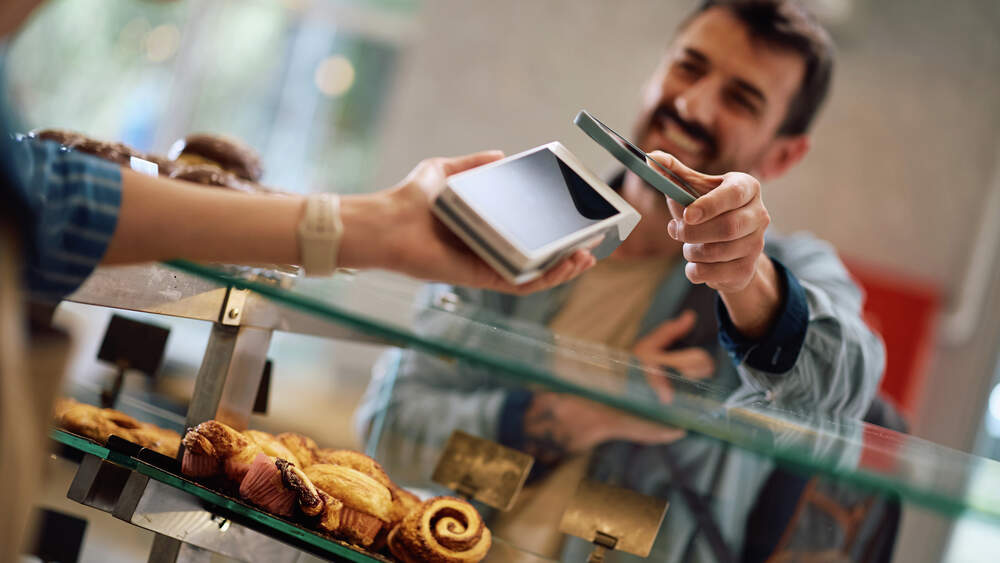
How to pay with your phone in-store

  1. When checking out, look for your digital wallet app’s logo to make sure it’s accepted.
  2. Unlock your phone and open your digital wallet app.
  3. Hold your phone near the point-of-sale terminal.
  4. Depending on your app or the card you’re using, you may need to verify your identity through biometric authentication or adding your card’s PIN.
  5. Done! You may hear the point-of-sale terminal beep or see confirmation on your app that the transaction was completed.

How to pay with your phone online

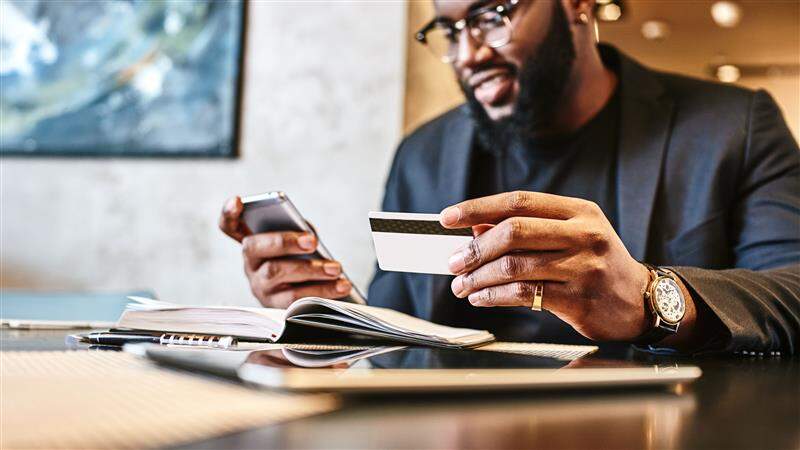
  1. When checking out, look for your digital wallet app’s logo and tap on it.
  2. Verify your information – like your billing and shipping addresses.
  3. Follow the prompts on your device to authenticate your purchase.
  4. Done! Before leaving the webpage or app, make sure you see confirmation that your transaction was completed.

Why use a digital wallet?

Related resources

Checking Basics

Are online and mobile banking safe?

If you’re new to mobile and online banking, you may have concerns about safety. Learn more about the benefits and different ways you can help keep your money protected.

Checking Basics

What is a debit card?

A debit card is a payment card connected to a checking account, and you can use it to make both online and in-person purchases, where cards are accepted.

Digital wallet FAQs

A digital wallet is a financial application on your mobile device that stores your payment information, like a debit card or credit card, allowing you to make purchases online and in-store using only your mobile device.

Along with storing your payment information, digital wallets can also hold gift cards, boarding passes, like plane tickets, and event tickets.

Contact Us

We're here for you—online, by phone, or in a branch.

Automated assistance

Quick answers when you need them.

Speak with us

We're here to help.

Find a branch

Find your nearest Huntington branch.

Disclosures

Apple, the Apple logo and Apple Pay® are trademarks of Apple Inc., registered in the U.S. and other countries.

The Google logo, Google Wallet and Android are trademarks of Google LLC.

Samsung Pay is a trademark of Samsung Electronics Co., Ltd. Other company and product names mentioned may be trademarks of their respective owners. Screen images are simulated; actual appearance may vary. Samsung Pay is available on select Samsung devices.